
How to export school reports and lists from Klassy
When a regulator, board or parent asks for a list, you should not be copying names by hand. Klassy exports what you see with one click.
Step by step
Open the page you want
For example Students, Parents, Events or eForms.
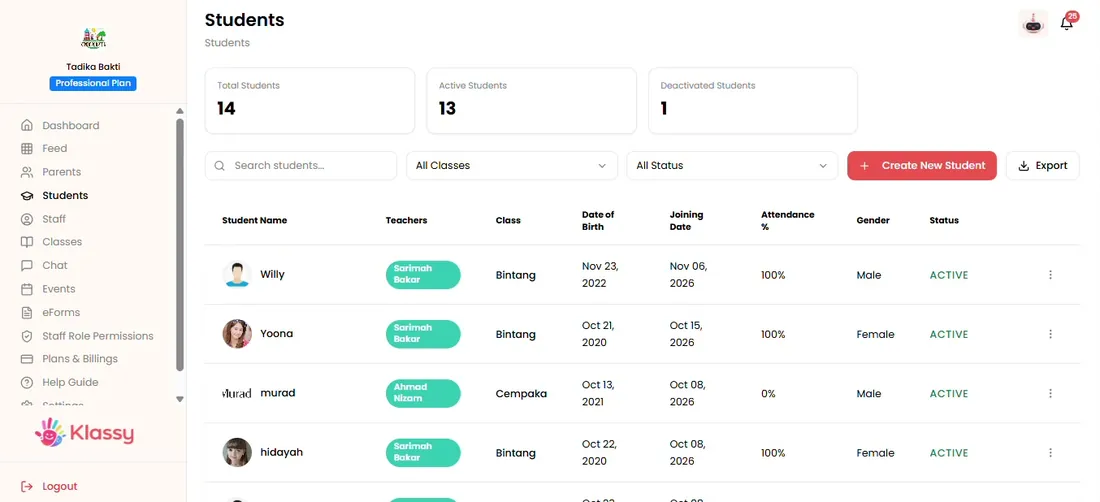
Step 1: Open the page you want (admin panel) Apply filters
Filter by status, class or date to narrow the list.
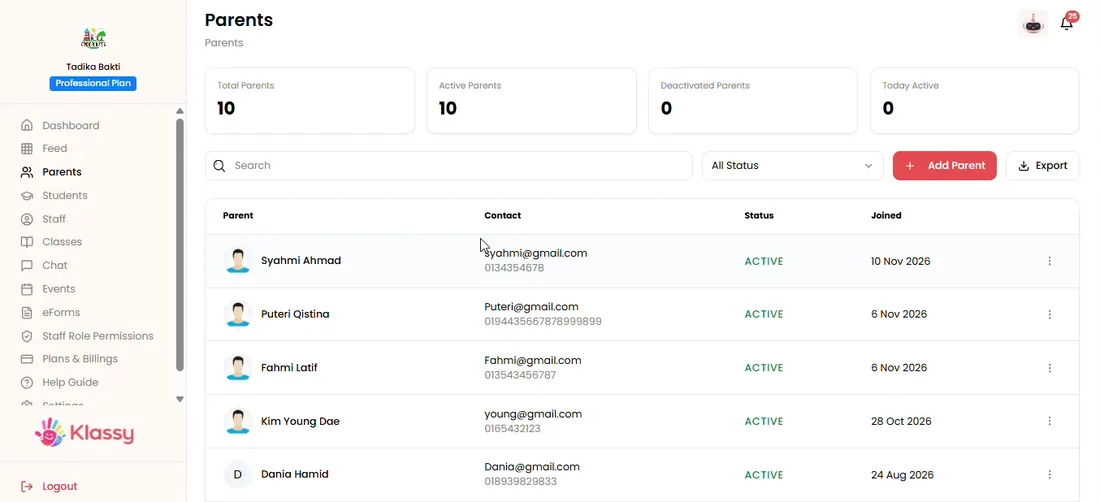
Step 2: Apply filters (admin panel) Select Export
Click Export above the list.
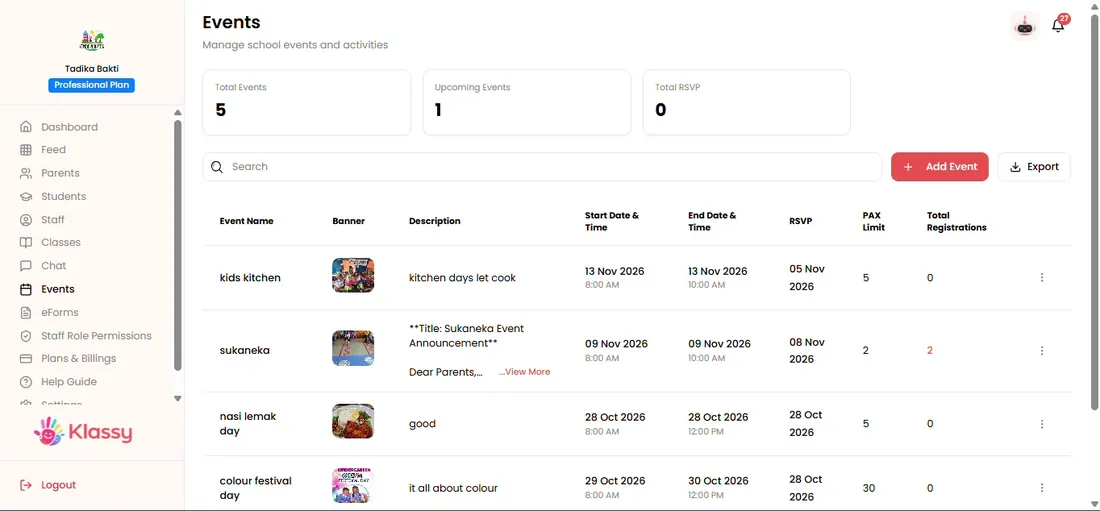
Step 3: Select Export (admin panel) Download the file
The file downloads with exactly what you filtered.
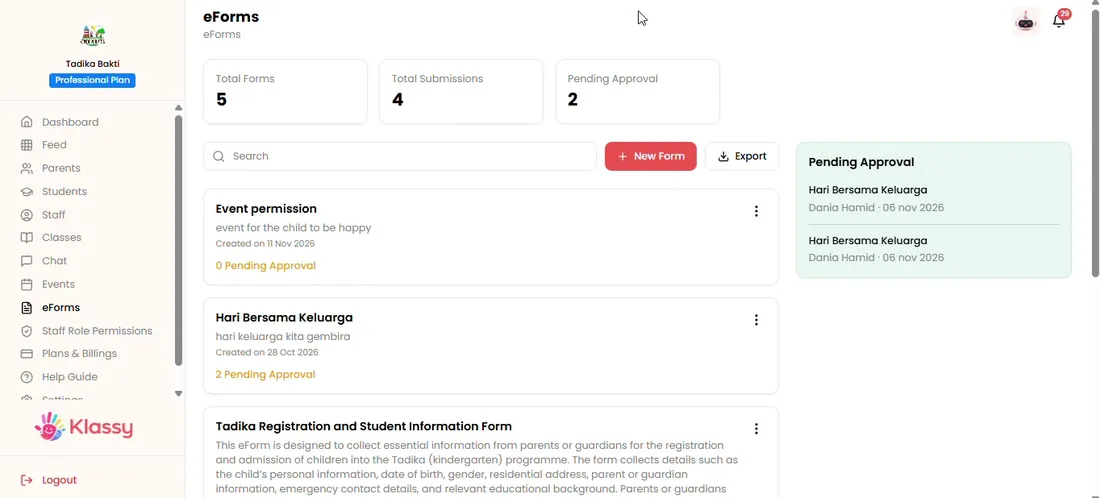
Step 4: Download the file (admin panel) Export from the dashboard
The dashboard also has an export button for its key reports.
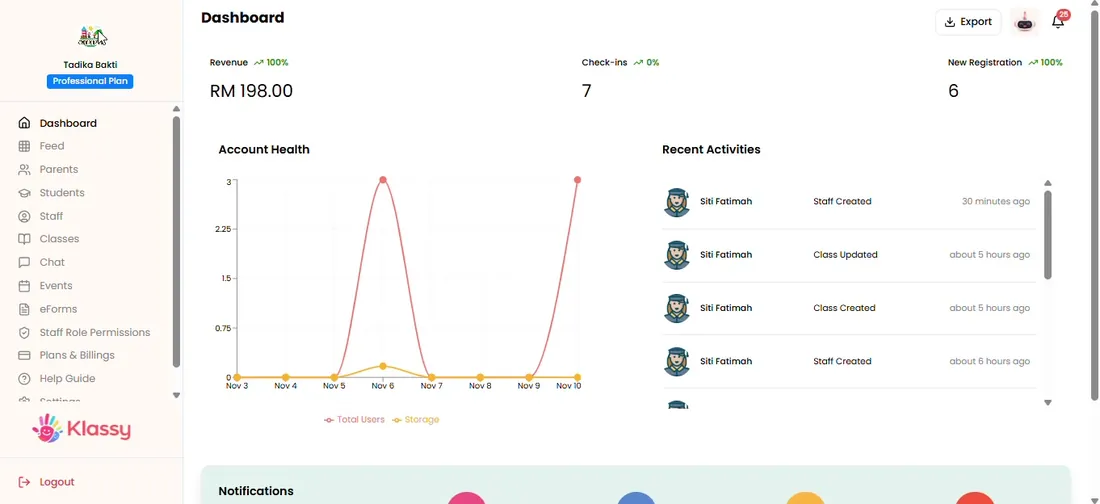
Step 5: Export from the dashboard (admin panel) Open the file in a spreadsheet
Open the downloaded file in Excel or Google Sheets to sort, print or share it.
School reporting without spreadsheets
Exports give you the data in a form you can share or file. Because the lists are always current, your reports are always accurate.
What you get with Klassy
- Export on most admin pages
- Respects the filters you apply
- Students, parents, staff, classes, events and forms
- Billing history export
Klassy is used by childcare centres, early learning centres, kindergartens, preschools and private schools. It is built in Malaysia and also available for Malaysia, Thailand, Indonesia and Vietnam. See pricing.
Common questions
Which pages can I export?
Most admin pages have an Export button, including students, parents, staff, classes, feed, events and eForms.
Does export respect my filters?
Yes. Apply filters first, then export.
Can I export billing history?
Yes. Plan and billing history can be exported.
Want this for your school?
Klassy is AI-powered school management software for childcare centres, early learning centres, kindergartens, preschools and private schools. Message the team and we will show you how it fits your school.
Also available for Malaysia, Thailand, Indonesia and Vietnam.
Related guides
Browse the Help Centre: For schools For teachers For parents All guides