
How to change language, password and school profile settings
Settings is where you personalise Klassy for your school and keep your account secure.
Step by step
Open Settings
Four tabs: Profile and general, School account, Security and Storage.
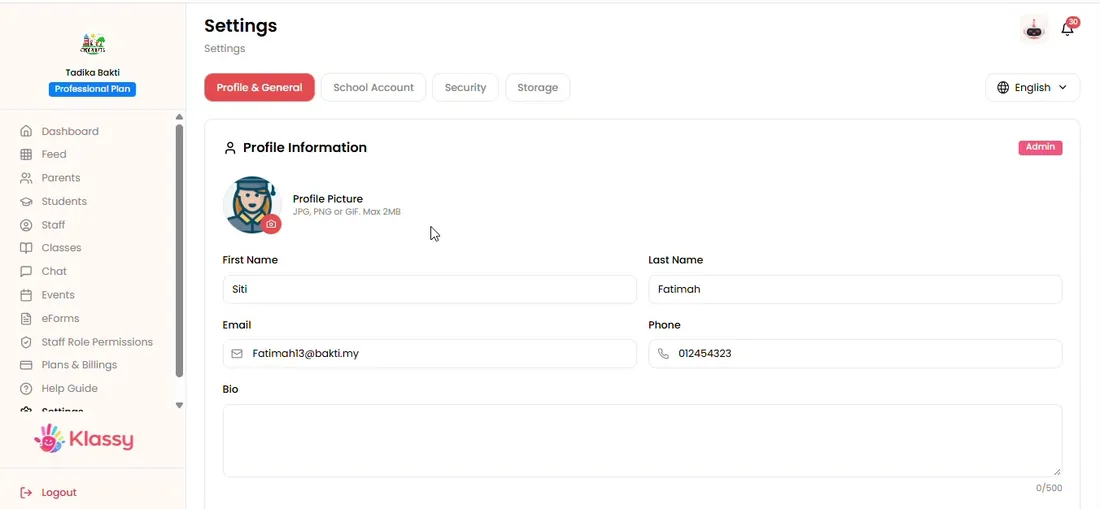
Step 1: Open Settings (admin panel) Choose your language
Select English or Bahasa Malaysia.
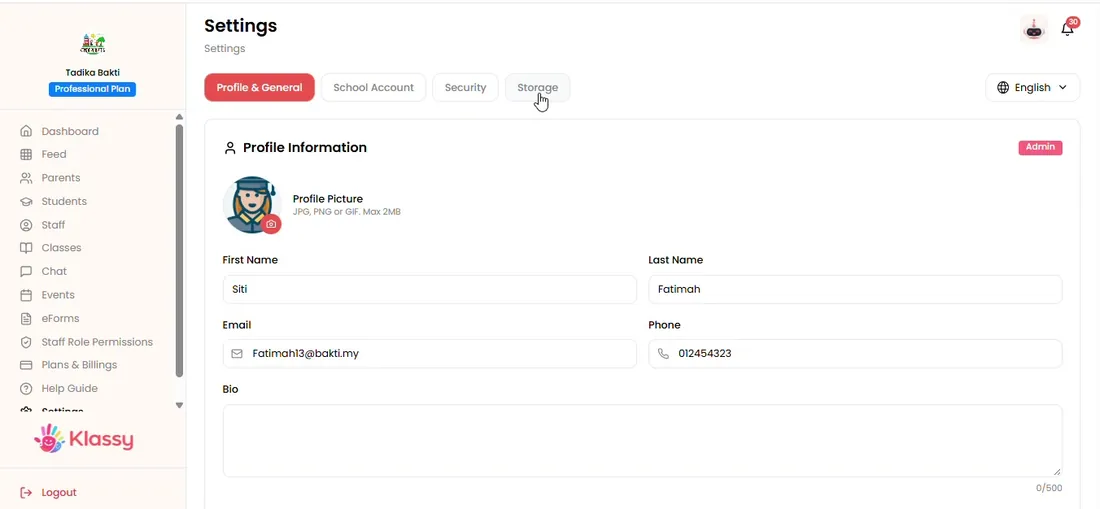
Step 2: Choose your language (admin panel) Update your profile
Change your own details.
Step 3: Update your profile (admin panel) Edit the school account
Change the cover image, school name and support email.
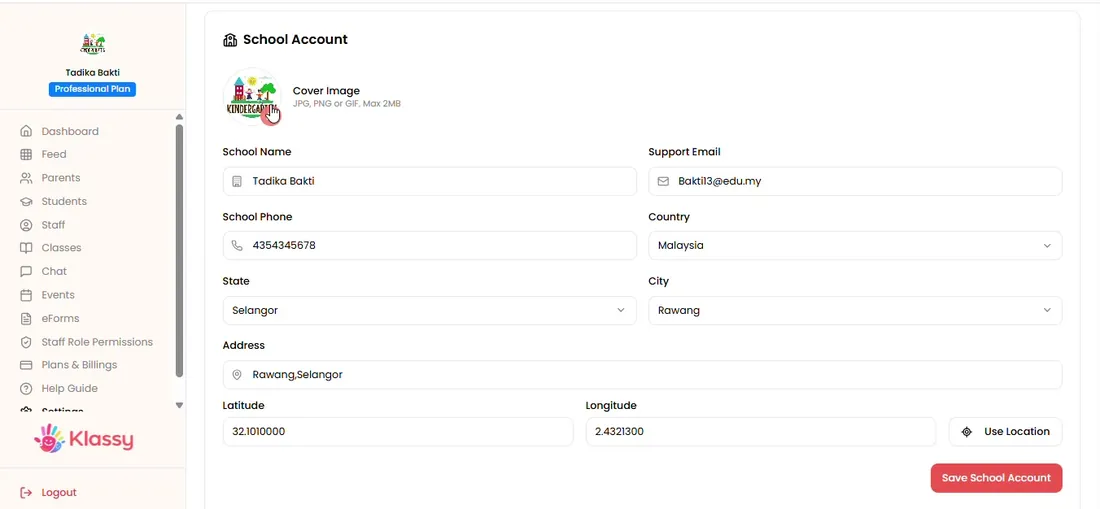
Step 4: Edit the school account (admin panel) Change your password
Open Security and set a new password.
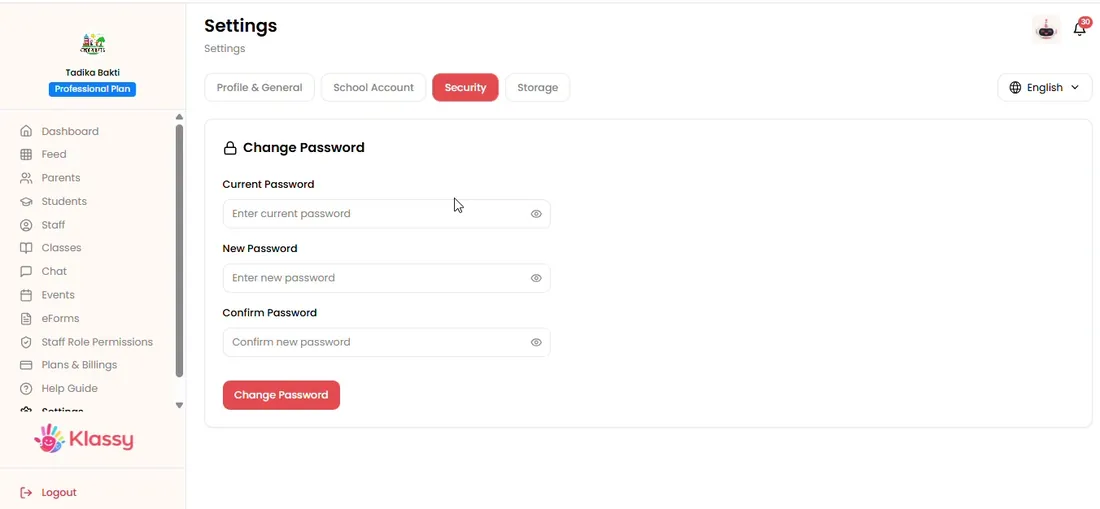
Step 5: Change your password (admin panel)
School account settings
Keeping your profile and password current protects your school's data.
What you get with Klassy
- English and Bahasa Malaysia
- School name, cover image and support email
- Password change
- Per-user language
Klassy is used by kindergartens, tadika, preschools, childcare centres, tuition centres and private schools. It is built in Malaysia and also available for Australia, Thailand, Indonesia and Vietnam. See pricing.
Common questions
Which languages does Klassy support?
English and Bahasa Malaysia.
How do I change my password?
Open Settings, then Security.
Can I change the school name?
Yes, under School account.
Want this for your school?
Klassy is AI-powered school management software for kindergartens, tadika, preschools, childcare centres, tuition centres and private schools. Message the team and we will show you how it fits your school.
Also available for Australia, Thailand, Indonesia and Vietnam.
Related guides
More in Plan, settings and storage
Browse the Help Centre: For schools For teachers For parents All guides