
How to see your child's photos and updates in the school feed
See what your child did at school, with photos, right in the app. Only posts about your own child and class appear.
Step by step
Open the parent app
The home screen is your feed.
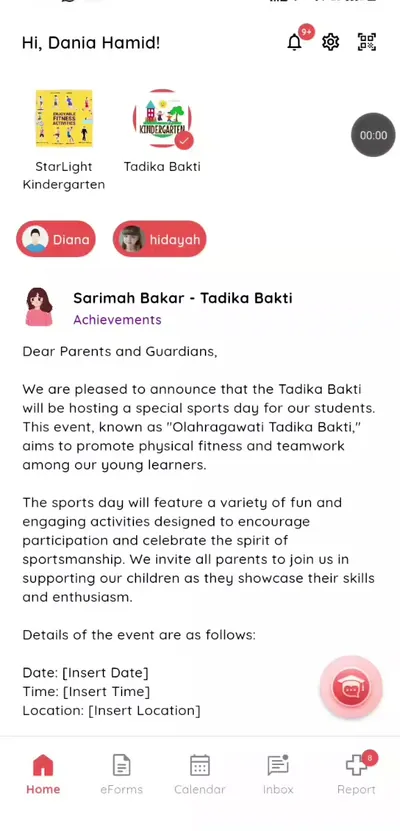
Step 1: Open the parent app (parent app) Pick your child
Switch between children at the top.
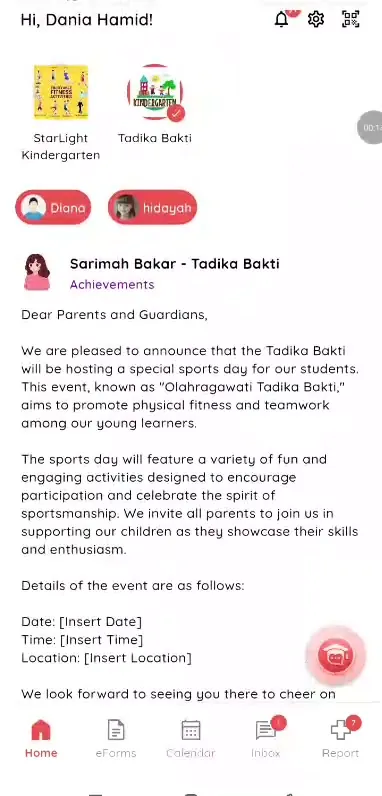
Step 2: Pick your child (parent app) Scroll the feed
Updates from teachers and admins appear in order.
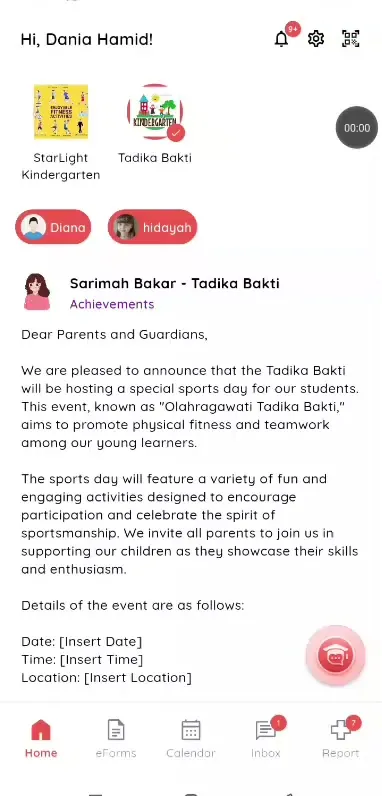
Step 3: Scroll the feed (parent app) Tap a photo
Open it full size.
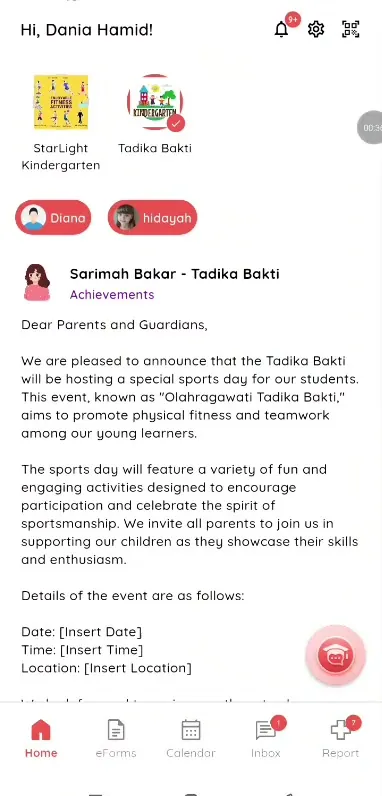
Step 4: Tap a photo (parent app) See photo posts
Photo posts show the description from the teacher.
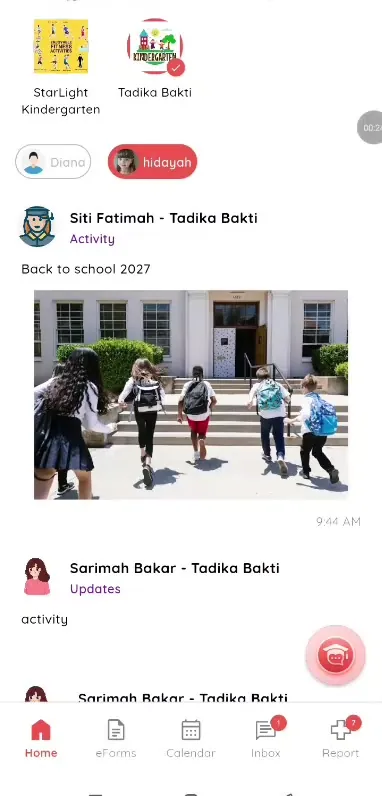
Step 5: See photo posts (parent app) Open Notifications
Tap an alert for details.
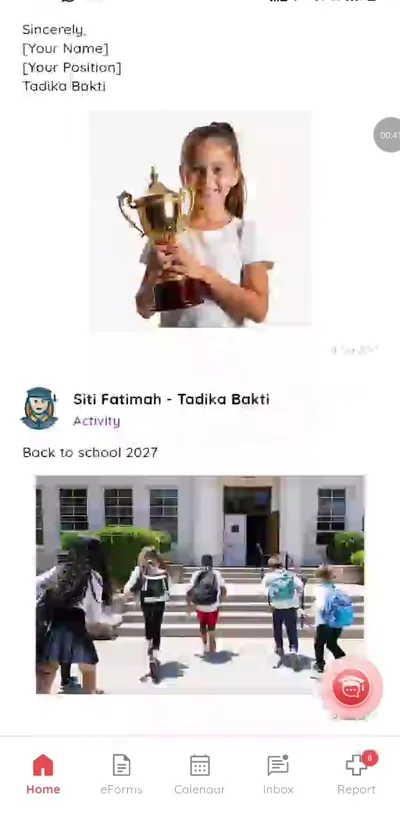
Step 6: Open Notifications (parent app)
A private school photo app for parents
Instead of photos in a big group chat, parents see only their own child's moments.
What you get with Klassy
- Photos and updates
- Only your child and class
- Full size viewer
- Notifications
Klassy is used by childcare centres, early learning centres, kindergartens, preschools and private schools. It is built in Malaysia and also available for Malaysia, Thailand, Indonesia and Vietnam. See pricing.
Common questions
Can other parents see my child's photos?
Only parents of the same class see class posts. Posts about your child go to you.
Is it free?
Yes.
Can I save photos?
Open a photo to view it full size.
Want this for your school?
Klassy is AI-powered school management software for childcare centres, early learning centres, kindergartens, preschools and private schools. Message the team and we will show you how it fits your school.
Also available for Malaysia, Thailand, Indonesia and Vietnam.
Related guides
More in Photo feed and daily logs
Browse the Help Centre: For schools For teachers For parents All guides