
How parent notifications work in the Klassy app
Notifications keep you informed without checking every tab.
Step by step
Tap the bell
At the top of the home screen.
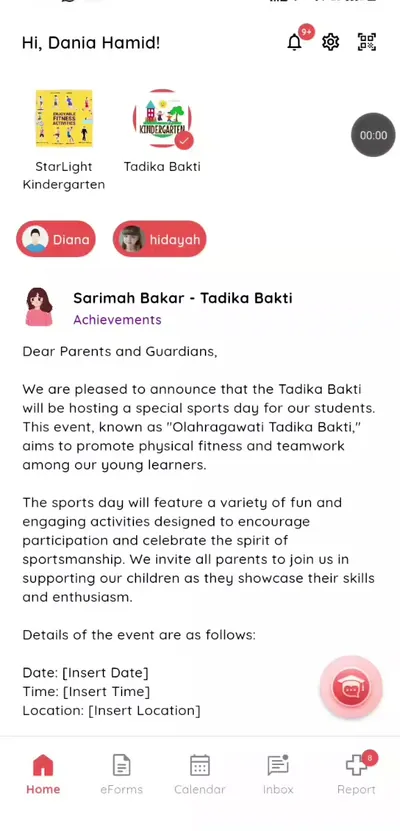
Step 1: Tap the bell (parent app) Read an alert
See the list of recent alerts.
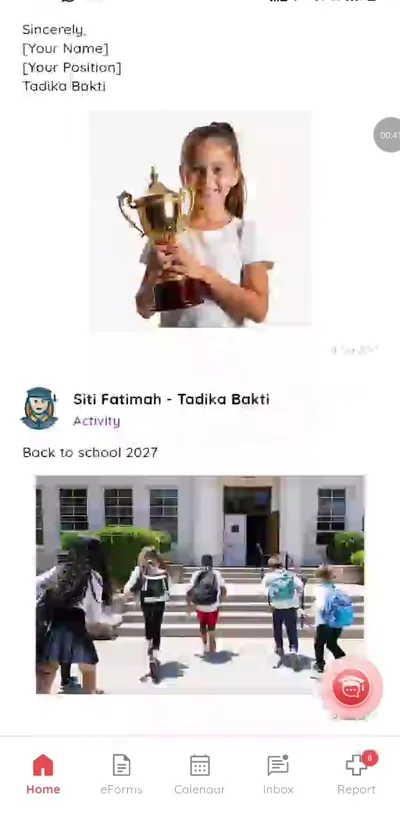
Step 2: Read an alert (parent app) Tap for details
Open the related item.
Step 3: Tap for details (parent app) Open the matching tab
Go to Calendar for events or eForms for forms that need action.
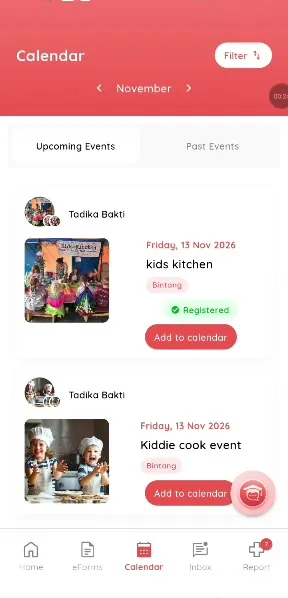
Step 4: Open the matching tab (parent app) Reply to messages
Open Inbox to read and answer a teacher's message.
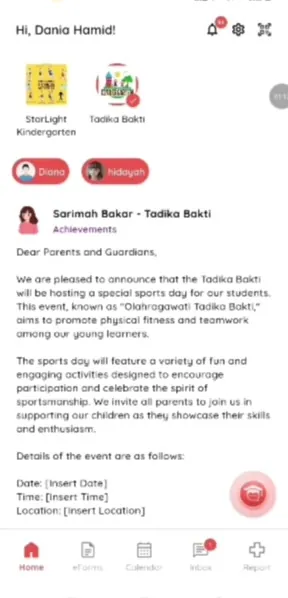
Step 5: Reply to messages (parent app)
Never miss school news
Important notices reach you straight away.
What you get with Klassy
- Check-in alerts
- Event and form alerts
- Message alerts
Klassy is used by childcare centres, early learning centres, kindergartens, preschools and private schools. It is built in Malaysia and also available for Malaysia, Thailand, Indonesia and Vietnam. See pricing.
Common questions
What alerts will I get?
Check-ins, events, forms, messages and reports.
Where are old alerts?
In the Notifications list.
Can I turn them off?
Yes, in your phone settings.
Want this for your school?
Klassy is AI-powered school management software for childcare centres, early learning centres, kindergartens, preschools and private schools. Message the team and we will show you how it fits your school.
Also available for Malaysia, Thailand, Indonesia and Vietnam.
Related guides
Browse the Help Centre: For schools For teachers For parents All guides