
Classroom noise meter: how to monitor noise in the teacher app
A noisy room is hard to teach in, and shouting wears you out. The Klassy noise meter shows the room's sound level so you can respond early.
Step by step
Open the class view
From the home screen of the teacher app.
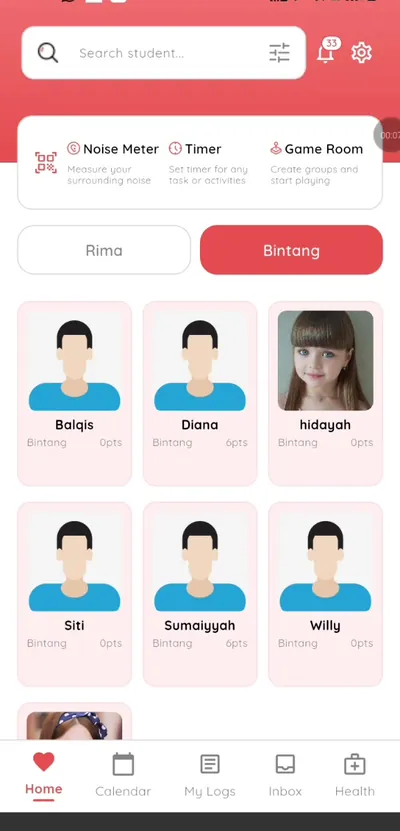
Step 1: Open the class view (teacher app) Tap Noise meter
It sits next to the Timer and Game room.
Step 2: Tap Noise meter (teacher app) Start monitoring
The meter shows the noise level of the room.
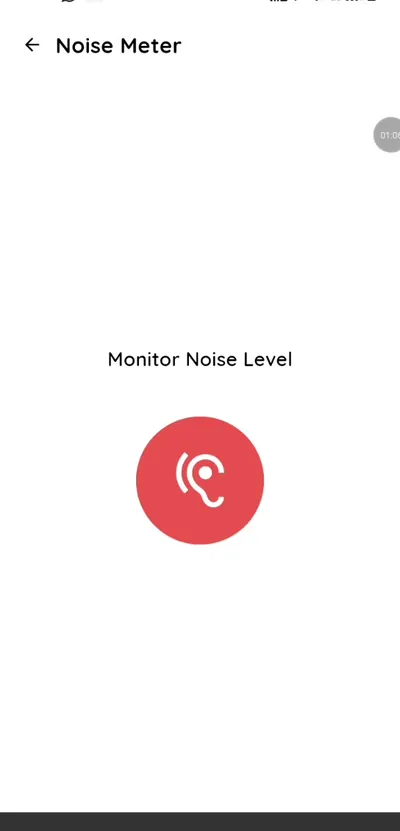
Step 3: Start monitoring (teacher app) Use it as a visual cue
Show the class when the level rises.
Step 4: Use it as a visual cue (teacher app) Pair it with the timer
Set a timer for quiet work, then watch the meter while children focus.
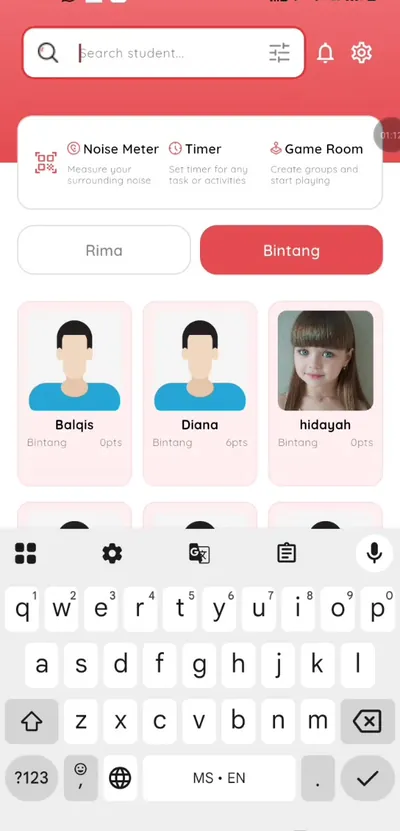
Step 5: Pair it with the timer (teacher app) Reward calm groups
Use the game room to award points to the group that keeps the room calm.
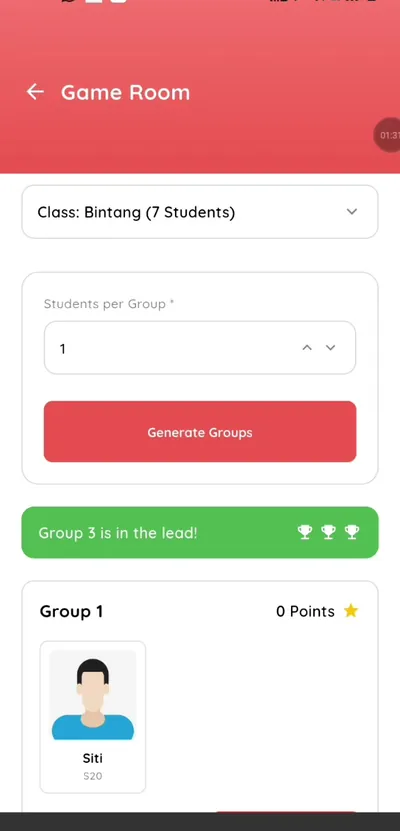
Step 6: Reward calm groups (teacher app)
A free classroom noise monitor
Teachers often install a separate noise app. Klassy includes one in the same app as attendance.
What you get with Klassy
- Built into the teacher app
- Level display for the room
- No extra app
- Works with timer and game room
Klassy is used by kindergartens, tadika, preschools, childcare centres, tuition centres and private schools. It is built in Malaysia and also available for Australia, Thailand, Indonesia and Vietnam. See pricing.
Common questions
Is the noise meter free?
It is included in the teacher app.
Do I need another app?
No. The noise meter is part of the Klassy teacher app.
Where is it?
At the top of the class screen.
Want this for your school?
Klassy is AI-powered school management software for kindergartens, tadika, preschools, childcare centres, tuition centres and private schools. Message the team and we will show you how it fits your school.
Also available for Australia, Thailand, Indonesia and Vietnam.
Related guides
More in Teacher app and classroom tools
Browse the Help Centre: For schools For teachers For parents All guides