
How to set up school management software in less than a day
Setting up a new school system sounds like a big project, but Klassy is built so a kindergarten, tadika or preschool can finish in a single day. There is no data import. You add your own team, classes, children and parents directly in the admin panel. This overview shows the order that works, and links to a detailed guide for each step.
Step by step
Create your staff roles
Open Staff Role Permission and create a role such as Teacher or Front Desk. Tick the modules each role can open, for example attendance, feed, chat or eForms.
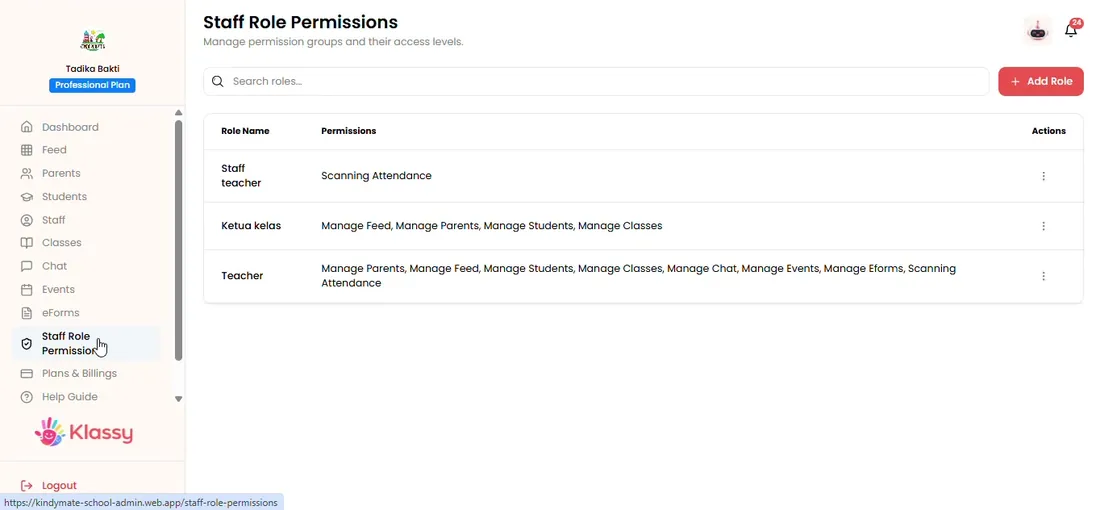
Step 1: Create your staff roles (admin panel) Add your staff members
Open Staff, choose Add Staff, pick the role you just created and set a password the person will use to log in.
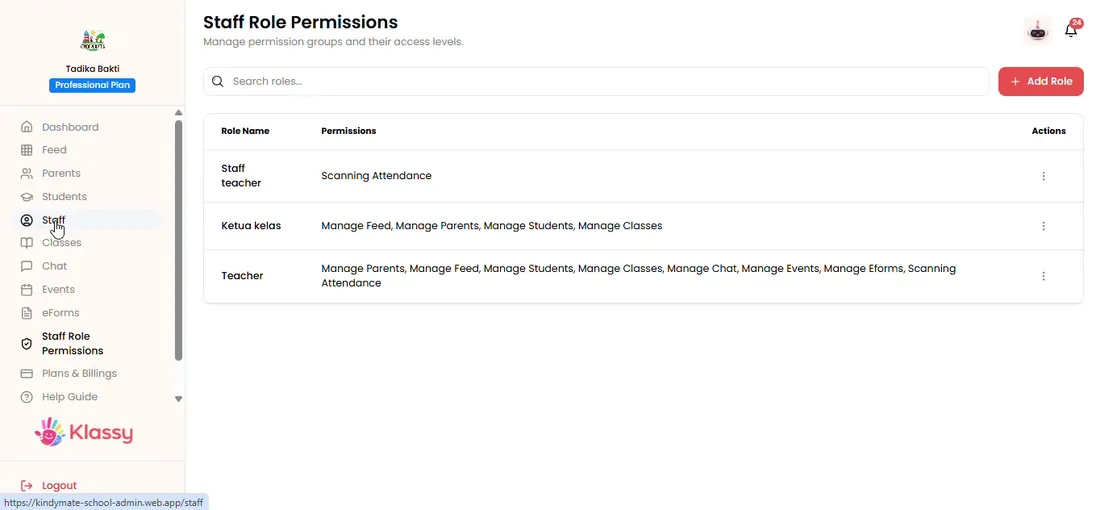
Step 2: Add your staff members (admin panel) Create your classes
Open Classes, add each class such as Bintang or Rima, and assign one to three teachers from your staff list.
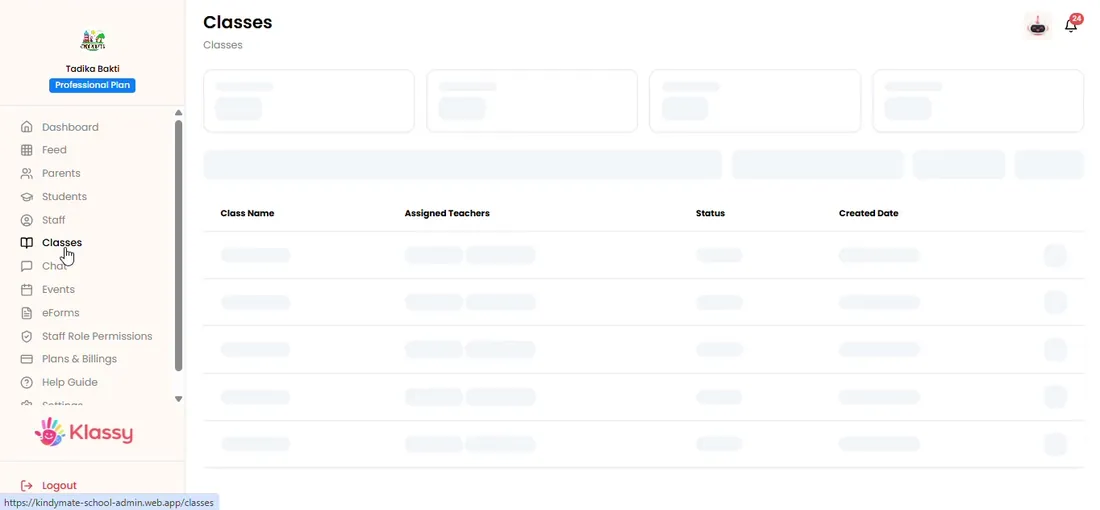
Step 3: Create your classes (admin panel) Add your students
Open Students and create each child. Upload a clear photo of the child alone so face recognition can suggest the right tag later.
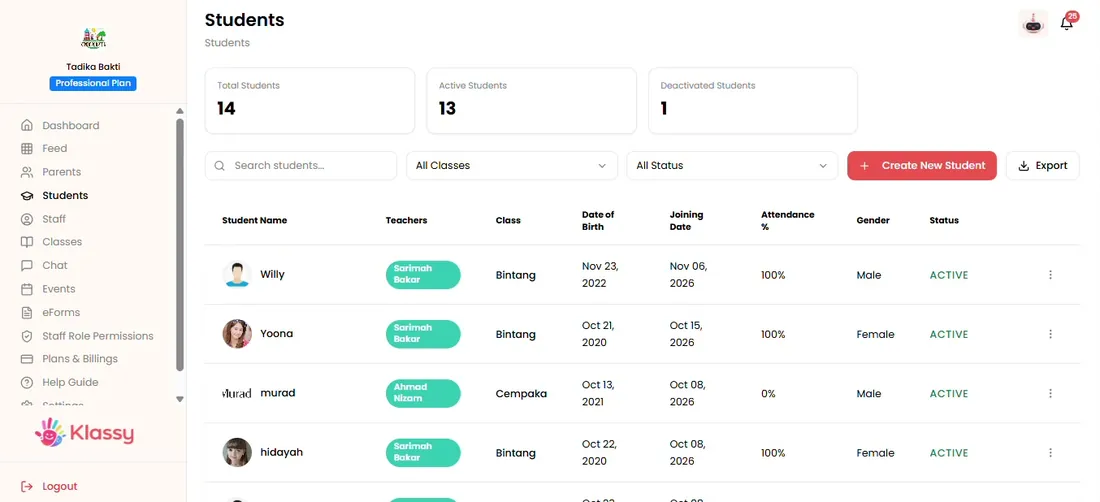
Step 4: Add your students (admin panel) Add parents and link each child
Open Parents, choose the class, pick the child and set a password for the parent app login.
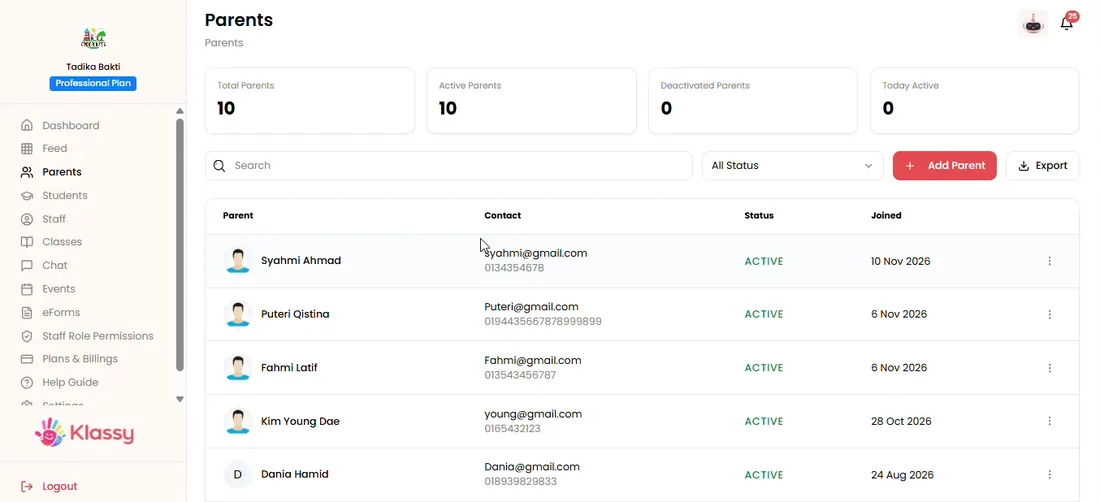
Step 5: Add parents and link each child (admin panel) Share logins and go live
Send each teacher and parent their login details and ask them to install the Klassy app. The Klassy team can help with onboarding and training.
Why schools choose Klassy for setup
Most school software asks you to prepare spreadsheets and wait for an implementation team. Klassy is self-serve: your admin builds the structure in a few hours and invites everyone else. Role based permissions keep each person focused on what they need.
Once the five steps are done, your school can use QR attendance, parent chat, the photo feed, events, eForms and health records straight away.
What you get with Klassy
- Set up in less than a day with no data import
- Role based access for owners, admins and teachers
- Free parent app, so families cost nothing extra
- Guided onboarding and training from the Klassy team
- Starts on a Free plan
Klassy is used by kindergartens, tadika, preschools, childcare centres, tuition centres and private schools. It is built in Malaysia and also available for Australia, Thailand, Indonesia and Vietnam. See pricing.
Common questions
How long does it take to set up Klassy?
Most schools finish setup in less than a day. The five steps are roles, staff, classes, students and parents.
Do I need to import data from another system?
No. You add staff, classes, students and parents directly in the admin panel, so there is nothing to clean up or convert first.
Who can set up the school?
The school owner or any admin with permission to open Staff Role Permission, Staff, Classes, Students and Parents.
Want this for your school?
Klassy is AI-powered school management software for kindergartens, tadika, preschools, childcare centres, tuition centres and private schools. Message the team and we will show you how it fits your school.
Also available for Australia, Thailand, Indonesia and Vietnam.
Related guides
More in Set up your school
Browse the Help Centre: For schools For teachers For parents All guides